
Advantage+ sales campaigns vs manual: when to use each
Campaign setup · 5 min read · 29 Oct 2026 · By the Cofoundr team
Advantage+ sales campaigns hand more of the setup to Meta: the budget is shared across ad sets, audiences are treated as suggestions, and placements are chosen for you. A manual sales campaign keeps those decisions with you. For an agency the real question is not which one is better, but which one fits each client's data, risk and reporting needs. This guide explains what changes, what you can still control, and how to decide per account.
What Advantage+ sales campaigns actually change
Meta introduced Advantage+ sales campaigns as the replacement for what used to be called Advantage+ shopping campaigns. Jon Loomer, who wrote one of the most detailed setup guides (published June 2025), describes the new approach as a manual sales campaign kept mostly at Meta's defaults, rather than a separate special format. He also points out that the unique features of the old shopping format do not carry over, so older advice written about shopping campaigns may not apply to what you see in Ads Manager today.
Meta changes these labels and settings often. Treat any write-up, including this one, as a starting point and check Meta's Business Help Center for the current behaviour before you change a client account.
What Meta automates in Advantage+ sales campaigns
According to Loomer's guide, an Advantage+ campaign stays an Advantage+ campaign as long as you do not make significant edits to three things: budget, audience and placements. Ads Manager warns you when a change would turn it off.
- Budget: the campaign-level budget is on by default, so Meta moves spend between ad sets. Per the guide, with a campaign budget on you lose cost per result goals at ad set level, and bid strategy and budget scheduling move up to the campaign.
- Audience: audience suggestions are on by default. Controls such as locations, minimum age, languages and custom audience exclusions act as fixed limits, while age range, gender and interest targeting can be set as suggestions or as hard limits.
- Placements: automatic placements are on by default, and most placement customisations switch Advantage+ off.
What you still control
You still choose the goal, the creative, the budget level, the locations and the exclusions. Loomer notes that custom audience exclusions are a real constraint, so a client who must never advertise to existing customers can still protect that.
Creative limits changed too. His guide says you can have up to 50 ads in an ad set, although Meta discourages going past about six, and that the higher creative limit from the old shopping format did not carry over. In practice, a lean set of strong creatives per ad set is easier to read and to refresh.
When a manual campaign is the better choice
Manual campaigns are the safer choice when the client needs rules Meta might override. That includes strict placement restrictions, fixed budgets per audience, tightly controlled age or regional targeting, and tests where you must isolate one variable.
They also help when a client has very little conversion data. An automated structure leans on the algorithm having enough results to learn from. If a store makes only a handful of sales a week, a simpler setup with fewer moving parts is often easier to diagnose, and our guide to the learning phase for agencies explains why volume matters.
- Brand or legal rules that limit where ads can appear.
- Budgets that must be split in a fixed way between products or regions.
- Low conversion volume, where results are noisy either way.
- A test where you need to change only one thing at a time.
When Advantage+ sales campaigns are worth trying
Loomer's view is that turning Advantage+ off should be the exception rather than the rule, and that Meta's automatic budget sharing across ad sets is generally more efficient than forcing fixed ad set budgets. That is one practitioner's opinion, but it is a sensible default for accounts with steady conversion volume, plenty of creative and no unusual restrictions.
A good approach for agencies is to test it side by side. Run an Advantage+ sales campaign next to the existing manual one for a few weeks, with comparable budgets, and judge both on the same client-agreed result rather than on platform-reported numbers alone.
Watch how Meta uses audience suggestions. Our guide on Advantage+ audience overriding your targeting shows what to check when delivery drifts outside the audience you meant.
A simple rule for choosing per client
Ask three questions during onboarding. Does the client have steady conversion volume? Are there rules about audience or placement that cannot be bent? Will you be able to judge results at campaign level rather than ad set by ad set?
If the answers are yes, no and yes, start with an Advantage+ sales campaign alongside the existing structure. If any of them is the other way round, keep that part manual. Mixing both inside one account is normal.
Write the reason into your client notes. When results change, the first thing you will want to know is whether the structure or its settings were changed, and a short note saves a lot of guessing. Our Meta ads audit checklist for agencies is a good moment to review the structure of each account.
How to keep an eye on automated campaigns across many clients
Automation reduces daily edits but not the need to watch. Budgets can underspend, creative can wear out, and a setting can quietly change. Across 15 or 20 accounts that is easy to miss.
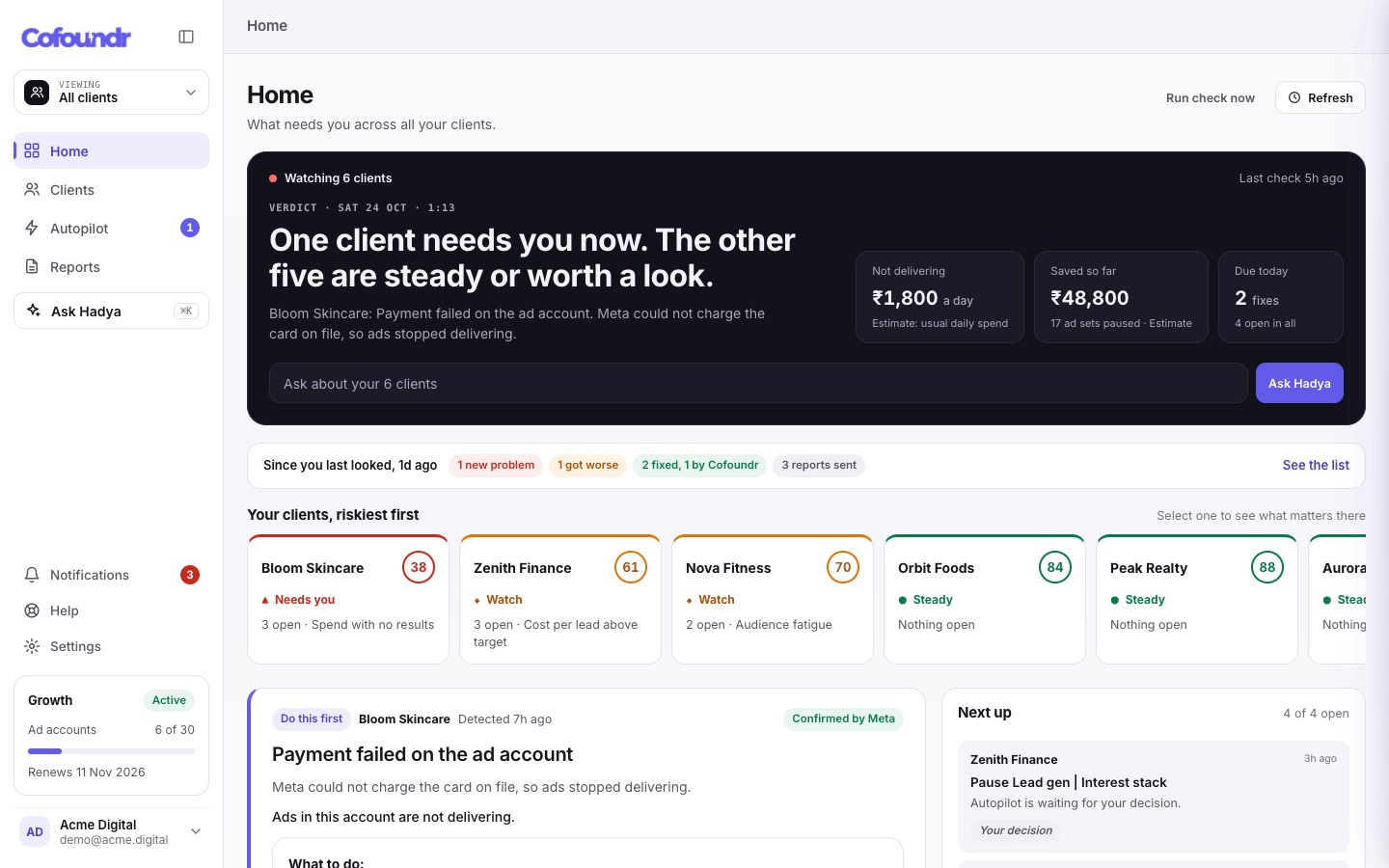
Review each client on a fixed rhythm and look at spend against plan, results and the creative that is carrying the campaign. Cofoundr ranks your client accounts each morning by what needs attention, so a campaign that has stopped delivering is easier to spot than in a tab-by-tab check.
Frequently asked questions
Is Advantage+ sales the same as Advantage+ shopping?
Meta describes Advantage+ sales as the replacement for Advantage+ shopping campaigns, but practitioners such as Jon Loomer note that the unique features of the old shopping format do not carry over, so older shopping advice may not match your account today.
Can I still control the audience in an Advantage+ sales campaign?
Partly. Locations, minimum age, languages and custom audience exclusions are fixed limits, while other targeting inputs can be set as suggestions or as limits. Restricting targeting too far can switch Advantage+ off, so check the warning in Ads Manager.
Will changing placements turn Advantage+ off?
Per Loomer's guide, most placement customisations do turn it off, although he reports a few that did not. Ads Manager flags changes that switch it off, so read the message before you save.
How many ads should I put in an Advantage+ sales ad set?
The guide says up to 50 ads are allowed per ad set, but Meta discourages going past about six. A smaller set of distinct creatives is easier to evaluate and refresh.
Should every client move to Advantage+ sales campaigns?
No. It tends to suit accounts with steady conversion volume and few restrictions. Keep manual campaigns where the client needs fixed budgets, strict placements or a clean single-variable test.