
AI prompts for Meta Ads analysis that give useful answers
Guide · 2 min read · Updated 2026-11-09 · By the Cofoundr team
AI answers improve when it has real account data and a precise question. Name the account, date range and result that matters, and ask for the numbers behind each claim.
General AI chat tools give vague answers when they only see pasted numbers. They give sharp answers when they have the account's real data and a precise question. These prompts work best with an assistant connected to your ad accounts, for example through an MCP server, and give reasonable results with a pasted export.
Diagnosing performance
- Which campaigns saw cost per result rise by more than 30 percent over the last 7 days compared with the previous 7, and what changed in each?
- Show frequency, click-through rate and spend by ad set and flag audiences that look fatigued.
- Why did results drop yesterday compared with the daily average this month?
Finding wasted spend
- List ad sets with more than 50 link clicks and zero results this month, with the spend on each.
- Which ad sets are spending above their target cost per result, and by how much?
Creative review
- Rank my top ten ads by spend with hook rate, hold rate and outbound click-through rate, and explain the weakest.
- Which ads have a strong hook but lose viewers quickly, and what should I test in the middle of the video?
Client communication
- Write a plain-language summary of last month for this client, with three wins, one risk and next steps.
- Turn this week's numbers into five bullet points a non-technical owner will understand.
Tips for better answers
- Name the date range and the account.
- Say which result matters, for example leads or purchases.
- Ask for the reasoning and the numbers behind each claim.
- Require approval before any change is made.
Where Cofoundr helps
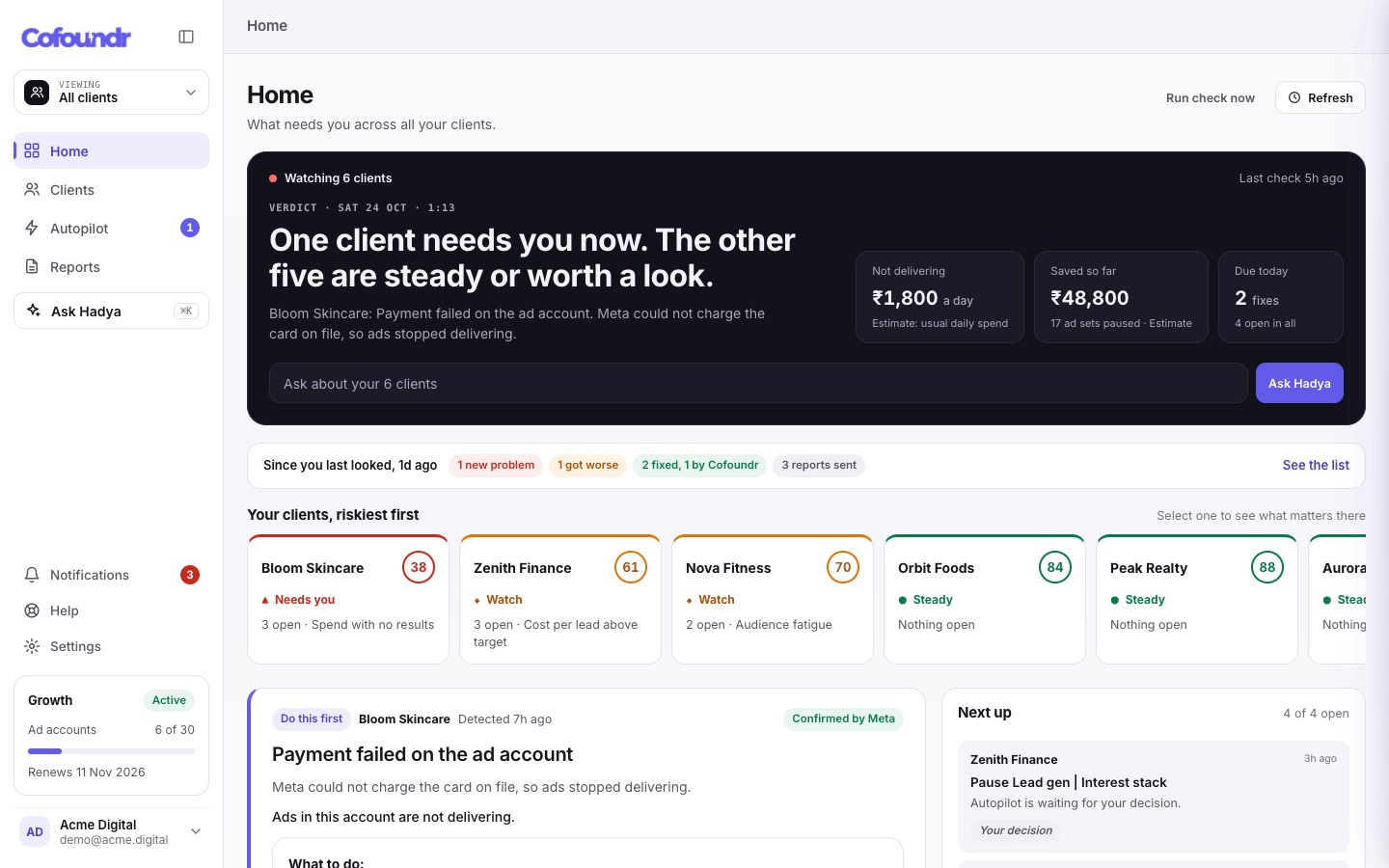
Hadya, the assistant inside Cofoundr, already has your selected account, date range and health data, so prompts like these work without copying anything, and it can create campaigns and make changes from the answer. You can also connect an outside assistant through MCP.
Frequently asked questions
Can ChatGPT analyse my Meta Ads data?
It can when it has access to the data, either from an export you paste or through a connected tool such as an MCP server.
Should AI change my campaigns automatically?
Only inside rules and approvals you control. Many teams keep AI read-only at first.