
How to find wasted ad spend on Meta Ads
Guide · 2 min read · Updated 2026-11-09 · By the Cofoundr team
Check three things on every ad set: clicks with no results, cost per result more than 1.5 times target, and audience fatigue (frequency above about 4 with click-through falling). Count the money lost and fix it the same day.
Most wasted Meta Ads spend hides in plain sight inside ad sets that look active and healthy. Three checks catch the majority of it. You can run them by hand in Ads Manager, or let software run them continuously.
Check 1: broken funnel (clicks but no results)
If an ad set has 50 or more link clicks and zero leads, purchases or other results, the money spent is almost certainly lost. The usual causes are a broken landing page, a pixel or conversion event that is not firing, or a form that fails on mobile. Treat all the spend on that ad set as wasted until the cause is fixed.
Check 2: cost per result far above target
Compare the live cost per result with your target. When it runs more than 1.5 times the target, the excess is waste. A simple way to size it is amount spent minus results multiplied by the target cost. Set the target per client, because a good cost per lead for one business is a bad one for another. If you have no target, the account's own 30-day average is a fair stand-in.
Check 3: audience fatigue
When frequency over 7 days climbs above about 4 and click-through rate falls more than 30 percent below the account's own baseline, the audience is tired. Count the last 48 hours of spend on that ad set as wasted and refresh the creative or widen the audience. Retargeting ad sets naturally run higher frequency, so judge them separately.
What not to flag
- Campaigns in their learning phase, which need time and budget to settle.
- Campaigns resumed in the last 48 hours.
- Ad sets judged on the wrong result, for example purchases when the ad set optimises for add to cart.
Automating it
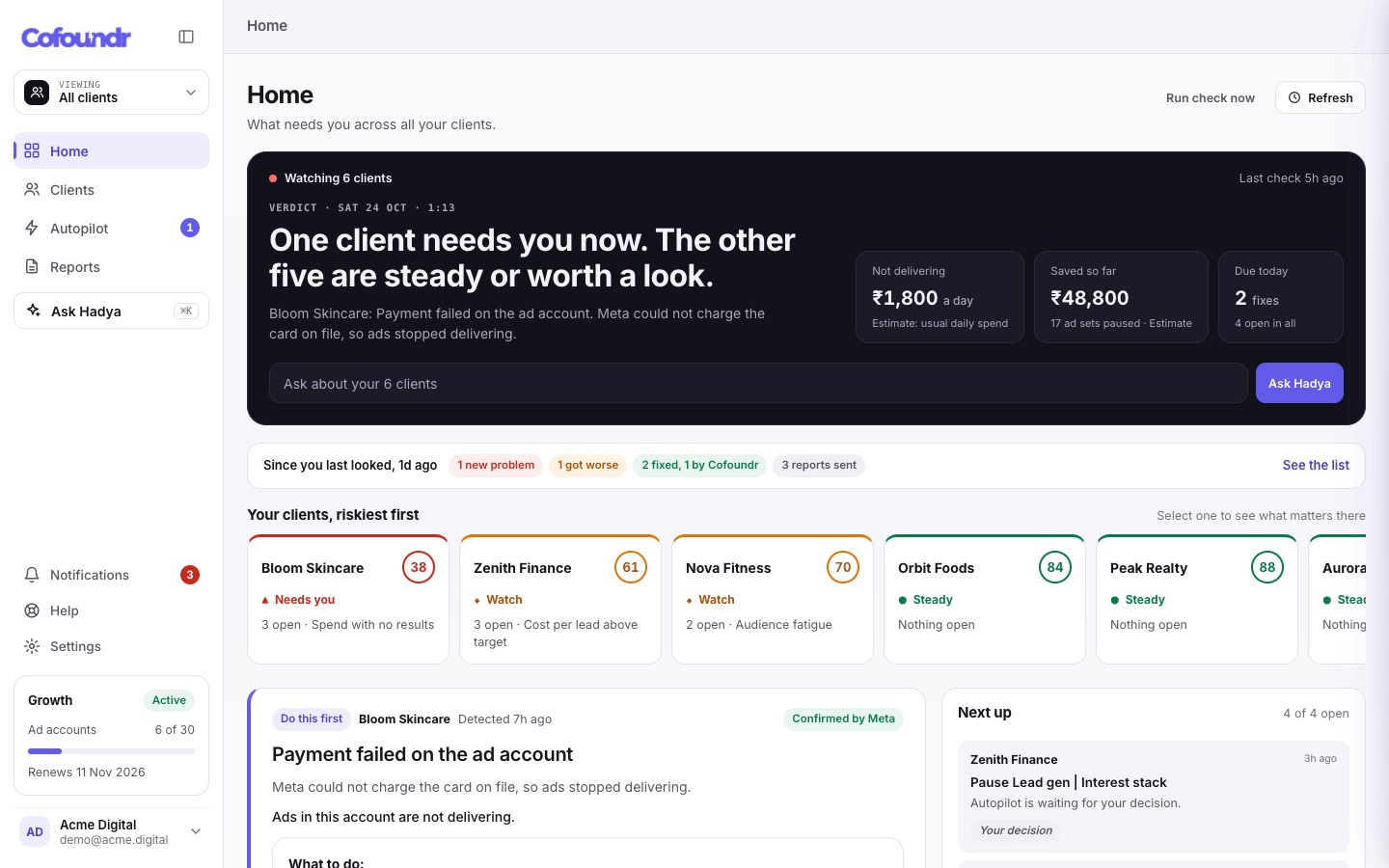
Cofoundr runs these checks on every ad set across your accounts and shows the total wasted amount per account. You can turn on a rule that pauses the offenders, or keep it alert-only so you decide. Each action is logged with a timestamp and reason, and savings are estimated from the ad set's hourly spend and how quickly it was paused. See automation rules for Meta Ads.
Free toolWasted spend checkerFree toolMeta TriageFree toolLate catch cost calculatorFree templateMeta Ads account auditFrequently asked questions
How much of my Meta Ads budget is usually wasted?
It varies widely by account. The only reliable answer is to measure it on your own accounts using checks like the three above.
Can I detect wasted spend without extra software?
Yes. Filter ad sets by clicks, results and frequency in Ads Manager. It works, but it is repetitive, which is why agencies automate it.
Where is my ad spend going?
Start with three places: ad sets that spent but produced no results, ad sets paying far more than your usual cost per result, and audiences seeing the same ads too often. Sort ad sets by spend in Ads Manager and look at the biggest ones first, because that is where most of the money sits.
How do I find wasted ad spend in a Shopify and Meta setup?
Compare the purchases Meta reports with the orders Shopify records for the same dates, and check that your UTM tags and pixel or conversions API events are firing. A gap does not prove waste, because attribution differs between the two, but a large one is a reason to check tracking before blaming the ads.