
Delivery and budget
Ad delivery in Meta Ads: what it means and what to check
How and whether your ads are shown to people.
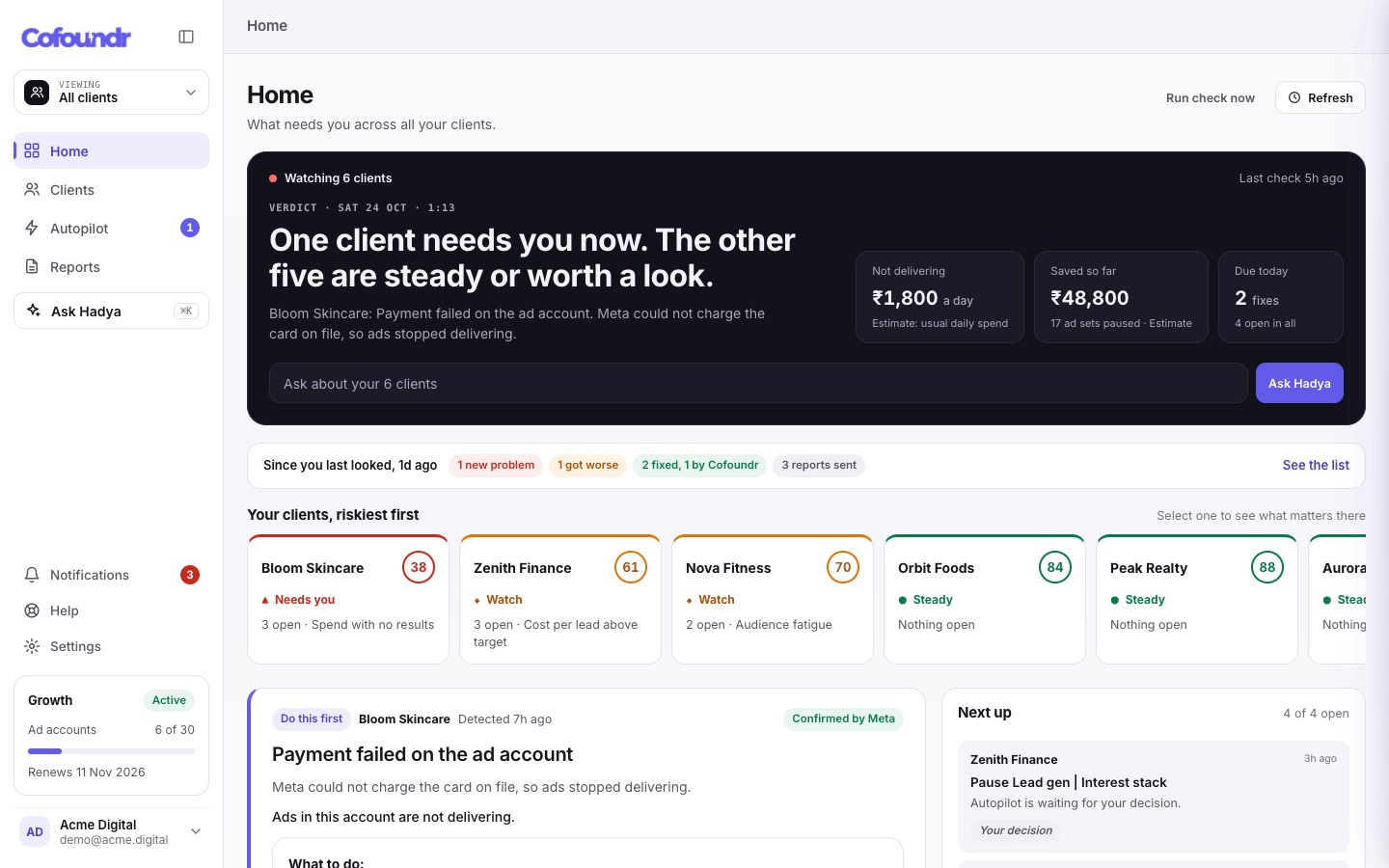
Delivery depends on budget, bids, audience size, ad quality, approvals and account status. When spend drops, check delivery status, rejections and payment before changing the budget.
Common delivery statuses
Ads Manager shows a delivery status beside each campaign, ad set and ad. Typical ones include active, in review, rejected, learning, learning limited, scheduled and off. Meta changes names and wording, so check its current help pages.
What to check when delivery drops
- Status at all three levels: campaign, ad set and ad.
- Review or rejection on the ad.
- Payment method and account status.
- Schedule and end date.
- Budget and any bid or cost cap.
- Audience size. See the full order in ads not delivering.
Related problems
See ad still in review and learning limited.
Frequently asked questions
Why is my Facebook ad not delivering?
Check the status, review, payment, schedule, budget and audience size, in that order. Most undelivered ads are one of the first four.
What does learning limited mean?
The ad set is not getting enough optimisation events to learn. See the learning limited guide for causes and fixes.